01STEP / 04خطوة / ٠٤
Open your profile menu
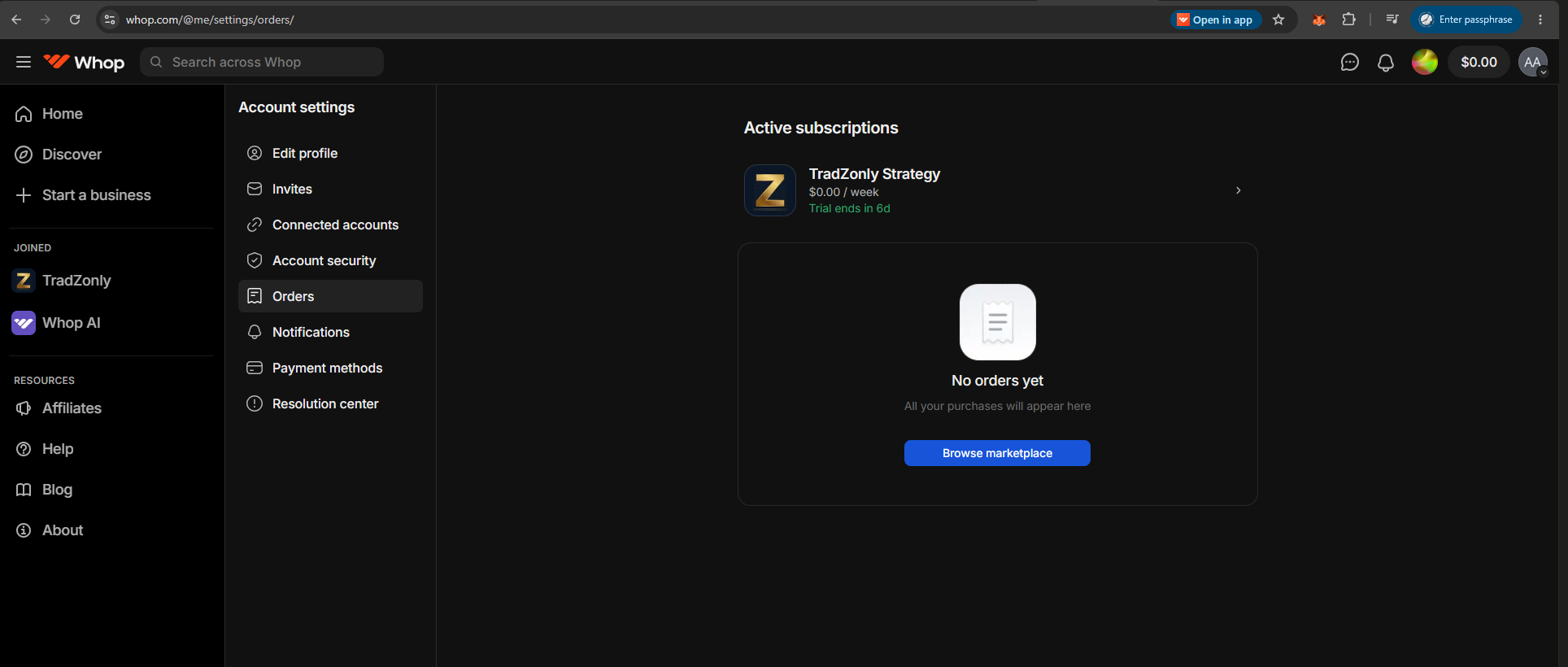
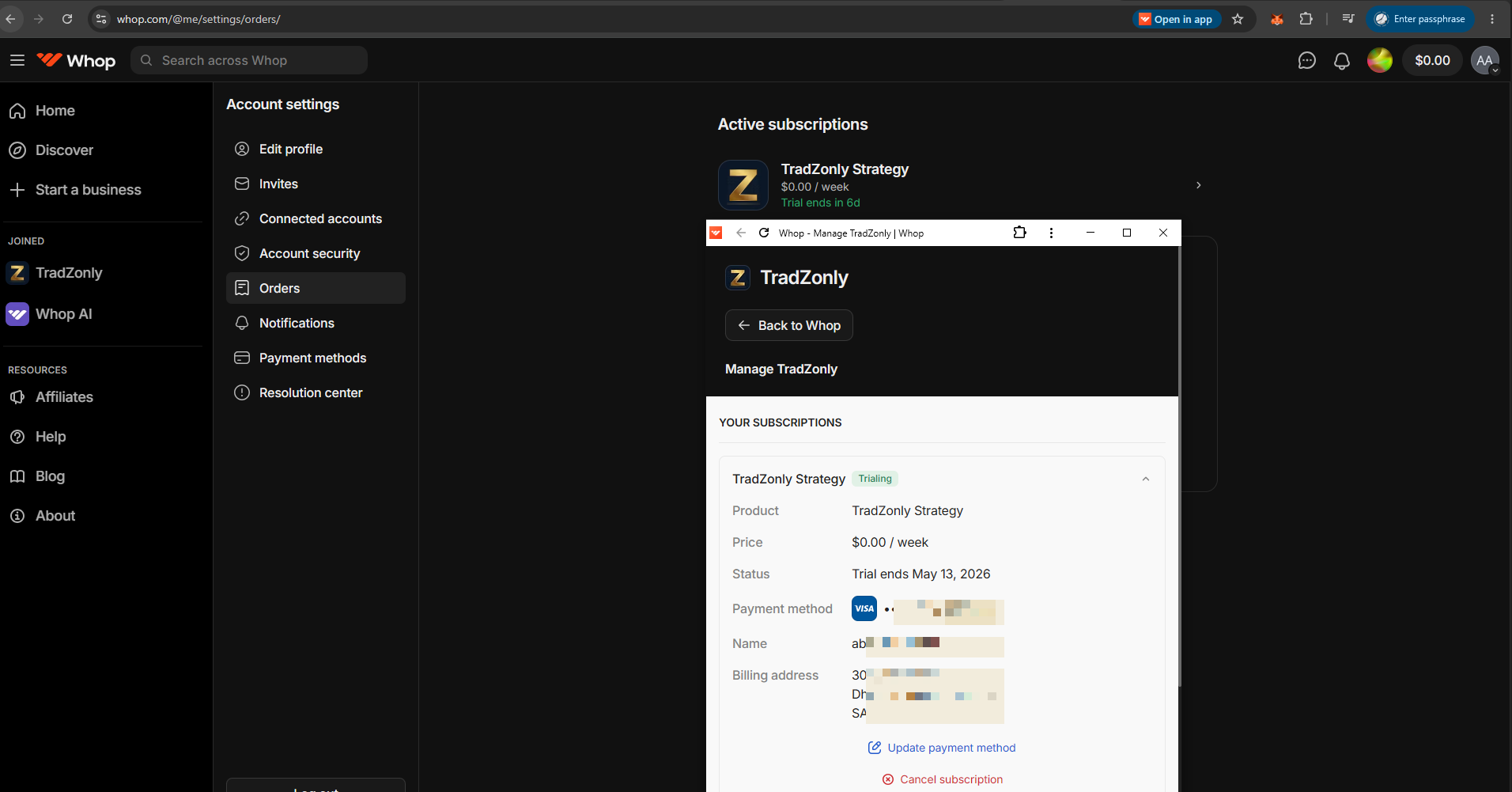
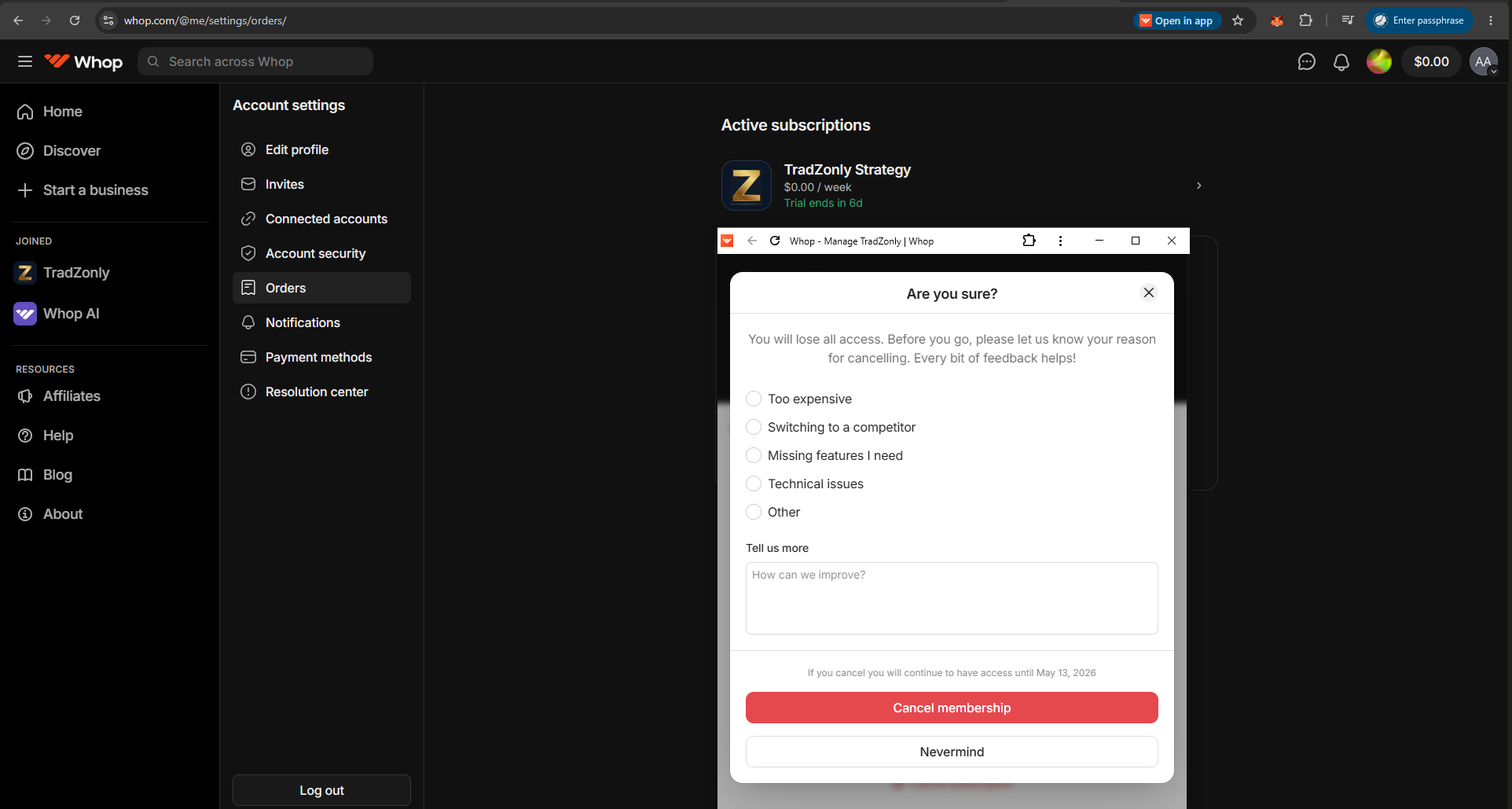
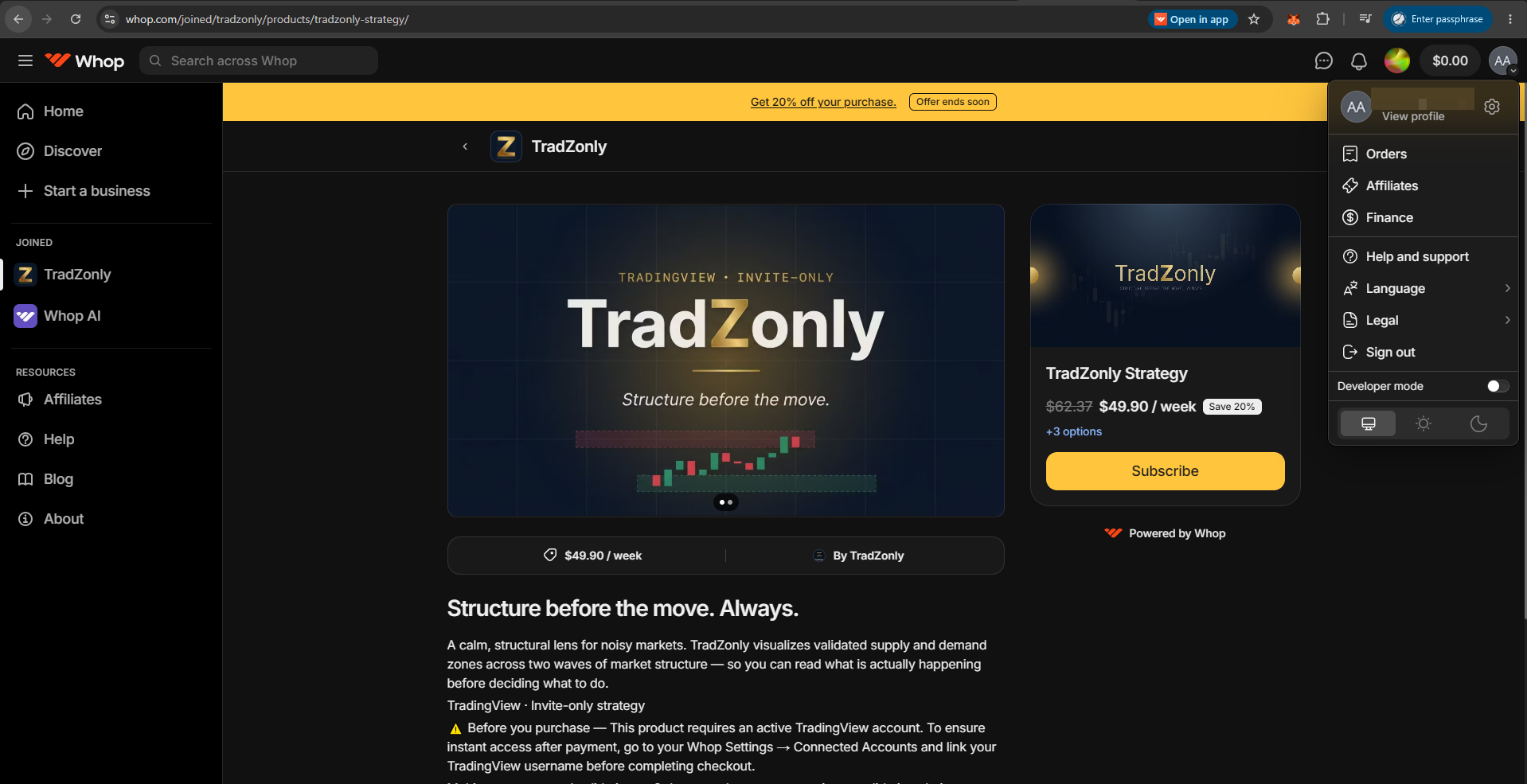
Sign in to your account and click the profile avatar in the top-right corner. From the dropdown, select Orders.
- Click the avatar at the top-right of the page.
- Choose Orders from the dropdown menu.
افتح قائمة الملف الشخصي
سجّل الدخول إلى حسابك واضغط على صورة الملف الشخصي في الزاوية العلوية اليمنى. من القائمة المنسدلة، اختر Orders.
- اضغط على الصورة الشخصية أعلى يمين الصفحة.
- اختر Orders من القائمة المنسدلة.
FIG. 01 — PROFILE MENU
شكل ٠١ — قائمة الملف
1
2